Shorts Coast
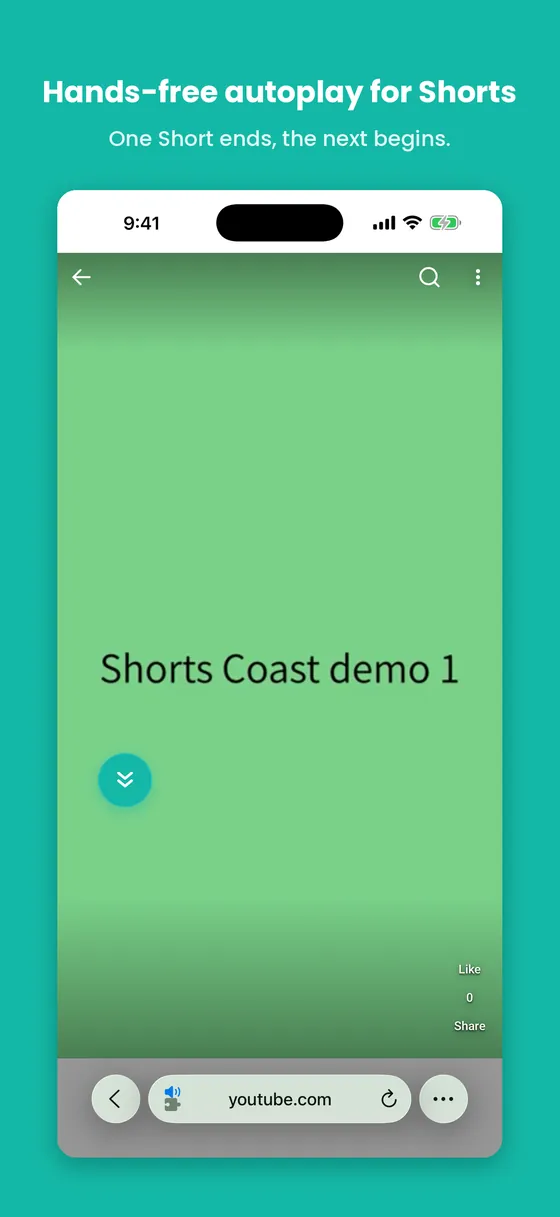
One Short ends, the next begins.
Watch YouTube Shorts in Safari on iPhone, hands-free — nothing to touch. A small floating button turns it on; the rest just flows.
 Free · No ads · No tracking
Shorts Coast is a Safari extension, not a standalone app. Everything happens in Safari on youtube.com — the app you download is just the setup guide.
Swipe to see more
What it does
- Auto-advance
- Real end-of-video detection moves you to the next Short. Not a timer.
- Focus Mode
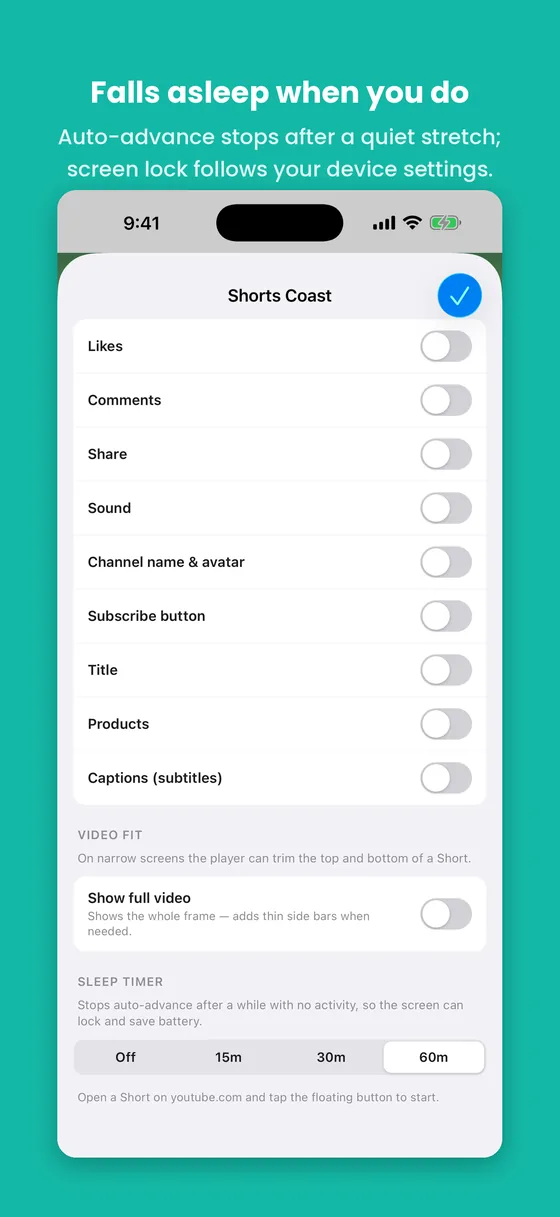
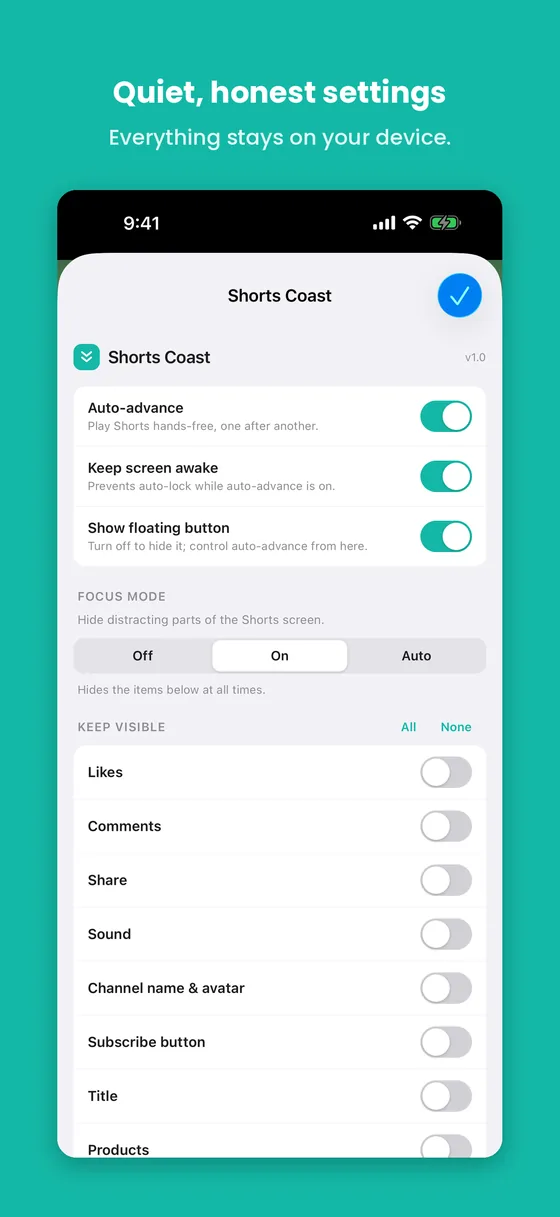
- Quietly hide likes, comments, share, sound, channel, subscribe, title, captions, product links — keep any of them with nine simple toggles.
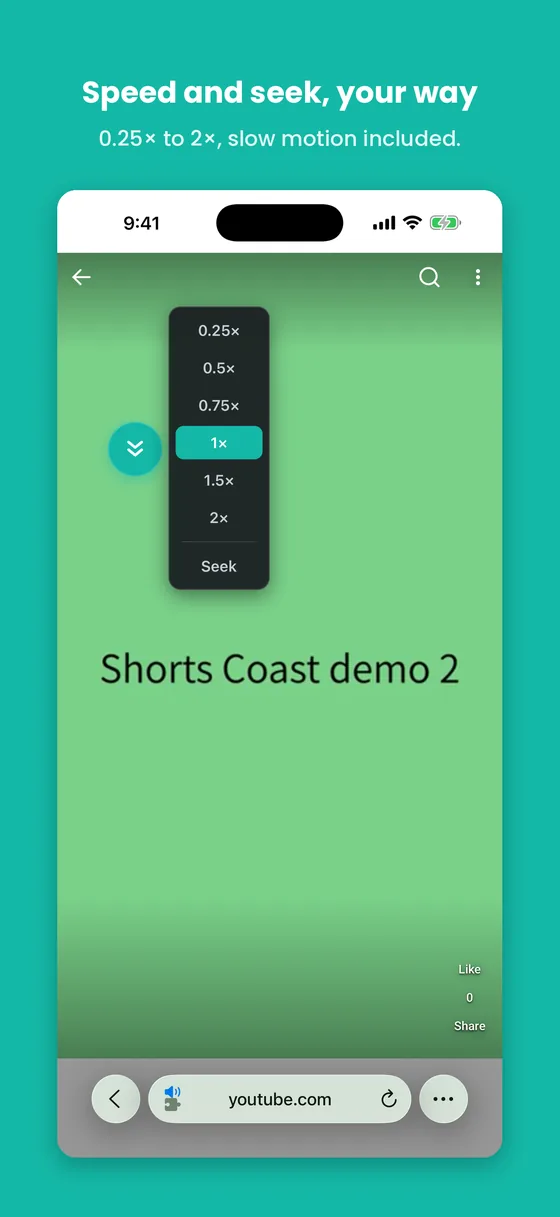
- Playback speed
- 0.25× to 2×, slow motion included. Long-press the button to choose.
- Sleep timer
- Stops auto-advance after 15, 30, or 60 minutes with no touch. Whether the screen then turns off follows your device’s Auto-Lock setting.
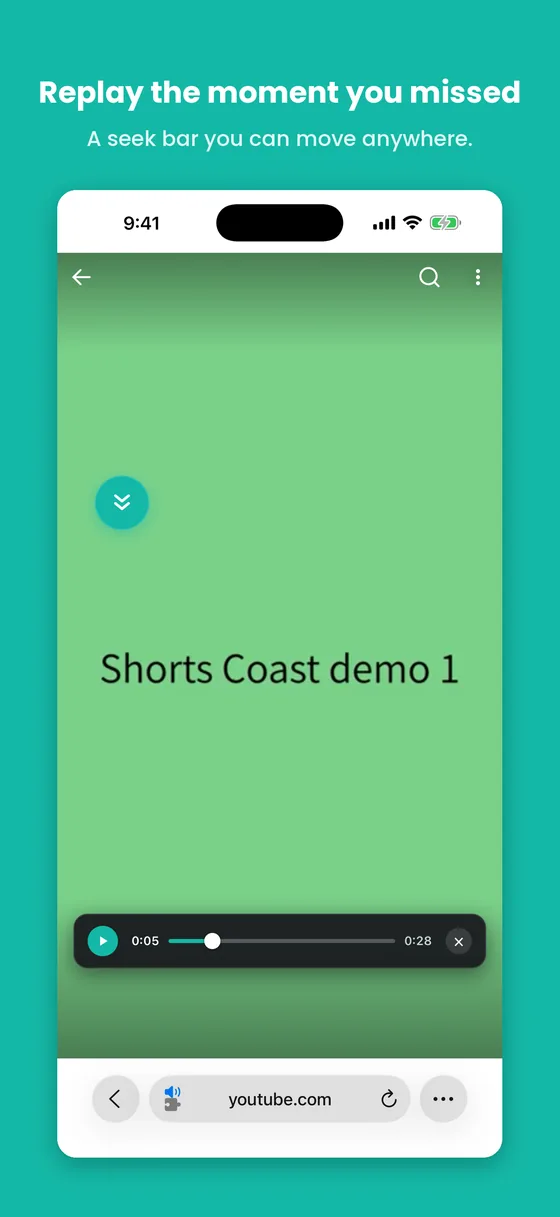
- Seek bar
- A draggable play/pause bar. Grab it anywhere and move it where you like.
- Show full video
- Letterbox the frame to bring back edges the mobile player crops off.
- Keep screen awake
- Stay on while auto-advance is running.
- Safari only, YouTube only
- Runs on youtube.com in Safari and nowhere else.
Watch it work
The demo loads from YouTube’s privacy-enhanced player only when you tap play.
Why it exists
Shorts have no autoplay on iPhone — every video ends with a swipe. That’s fine until your hands are busy: cooking, eating, working out. And for some people, constant swiping isn’t a small thing at all.
Shorts Coast was built for motor impairments and hands-busy moments alike, so you can keep watching without touching the screen.
Free. No ads, no tracking.
Nothing leaves your device.
Shorts Coast makes no network calls of its own and collects no data. Your few settings — button position, speed, toggles — are saved on your device only.
Read the whole privacy policy — it’s short, because there’s nothing to collect.
Good to know
Shorts Coast is a Safari extension, so you turn it on once in Safari. The app includes a short, step-by-step guide that walks you through it.
It doesn’t block ads, download videos, or play in the background — it just keeps the Shorts you’re already watching moving, hands-free.