How to use Drift
Five quiet steps — from adding your subscriptions to reclaiming what you no longer need.
Add your subscriptions
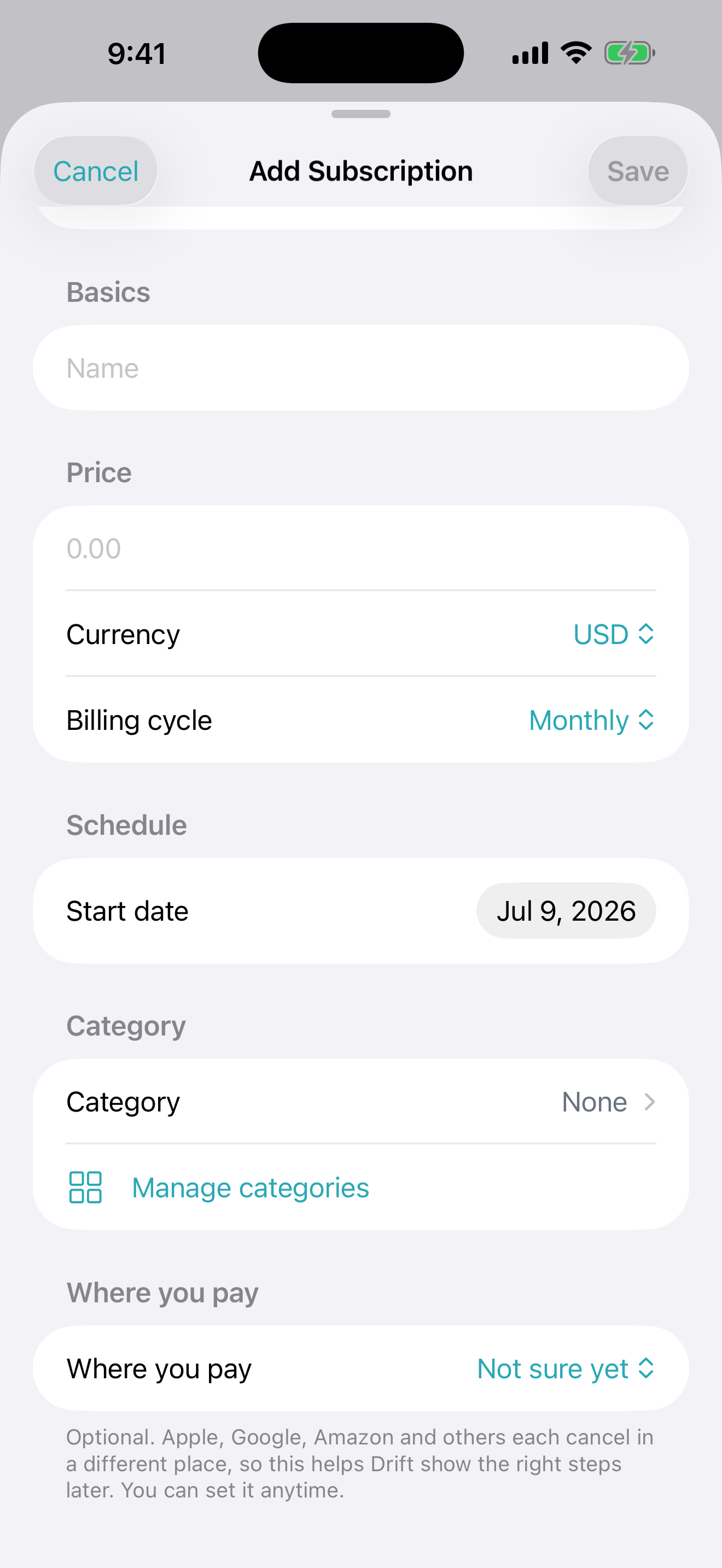
Add each subscription by hand — name, price, billing cycle, and where you pay. It only takes a moment, and there's no account to create.
See where your money goes
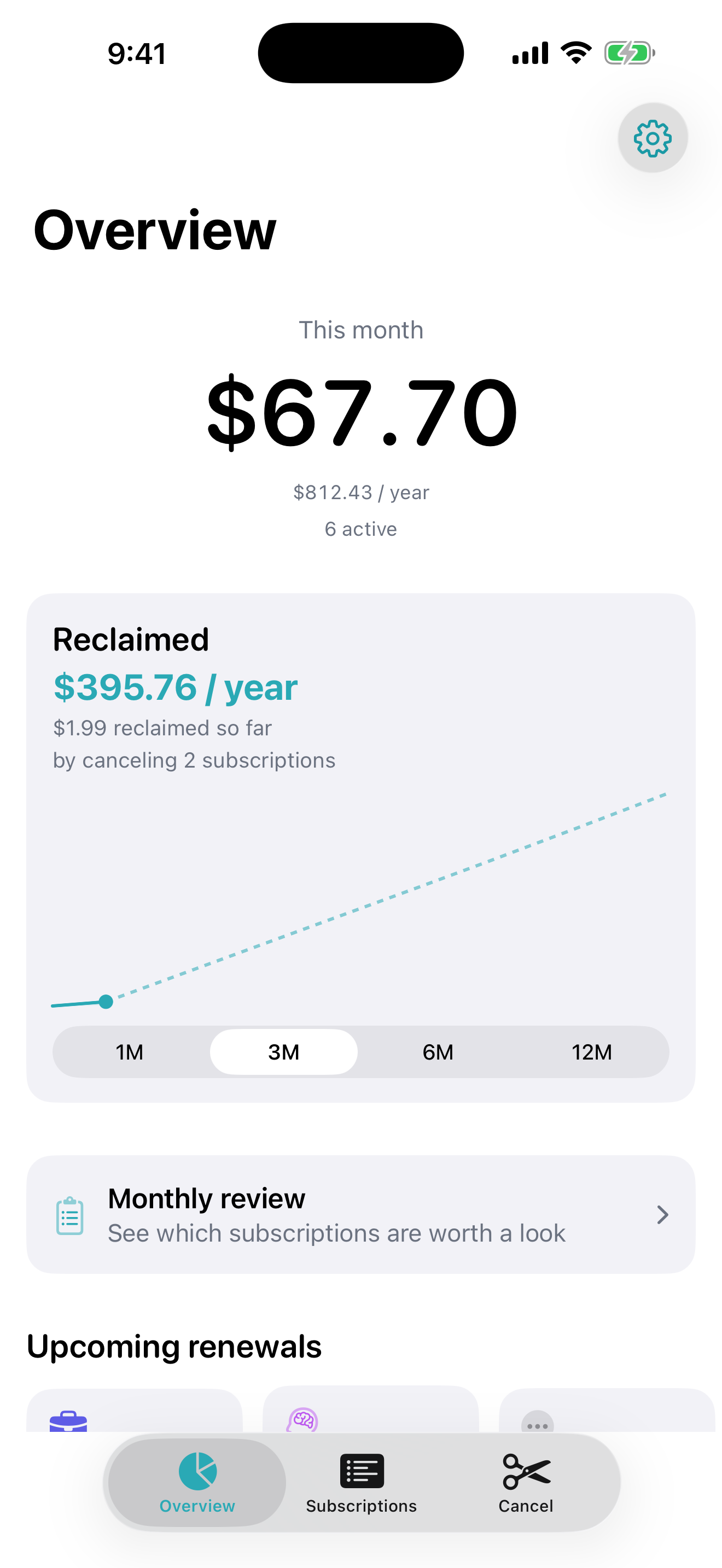
Your overview shows what you pay this month and this year, with a calm breakdown by category. No dashboards shouting at you — just a clear picture.
Keep an eye on your list
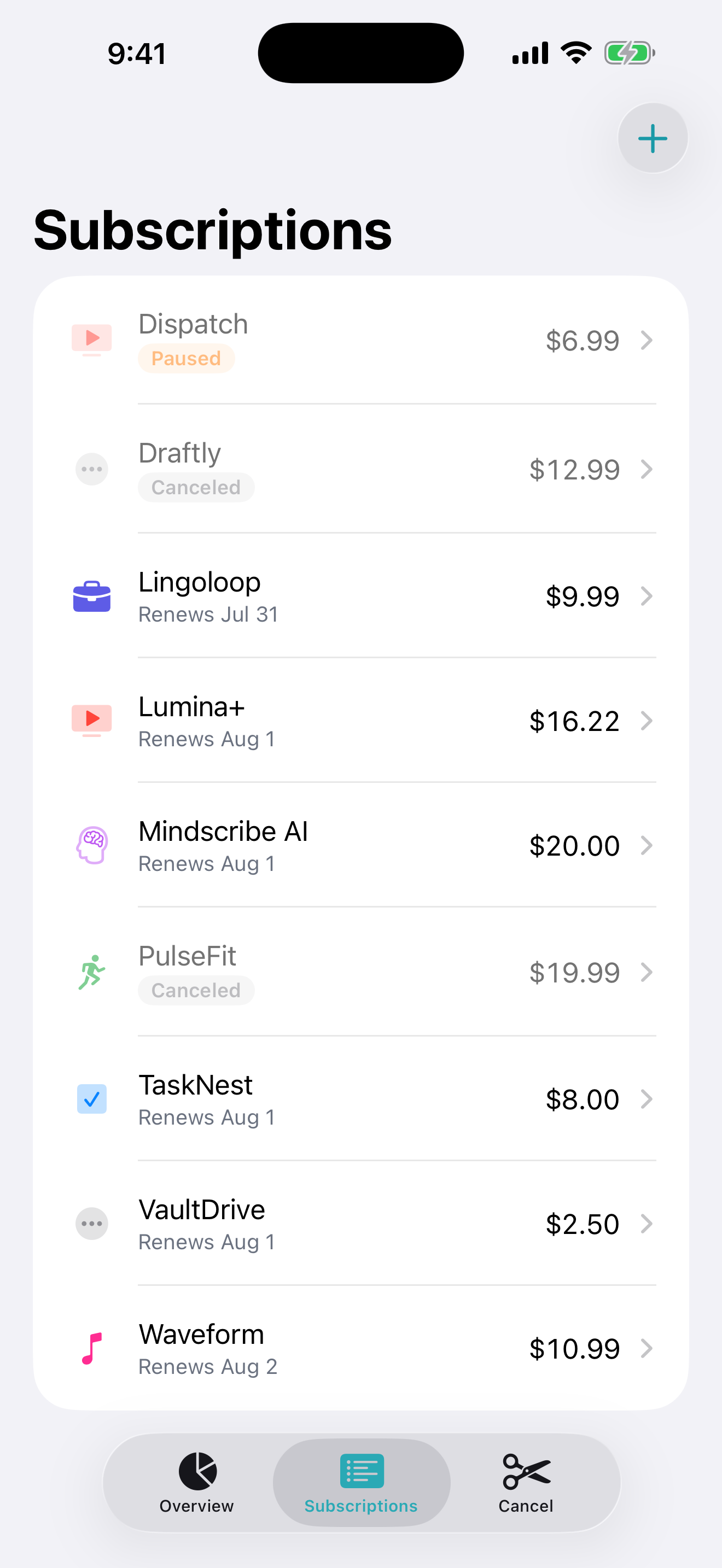
Every subscription in one honest list, with a clear status — active, paused, or canceled. A calm reminder arrives a few days before each renewal, while you can still decide.
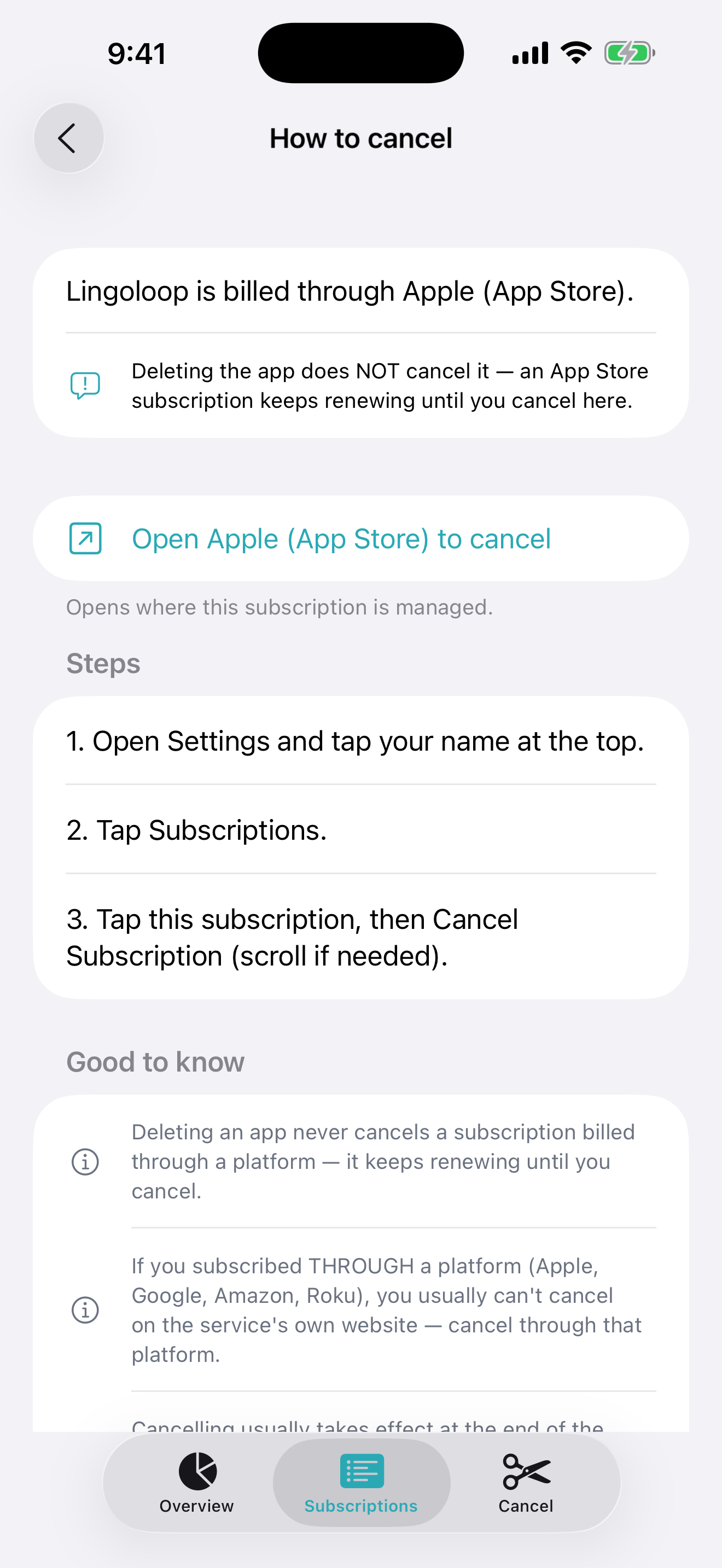
Cancel without the maze
When you want out, Drift shows exactly how to cancel — the right steps for where you actually pay, and a direct link where possible. No dark patterns.
A private monthly review
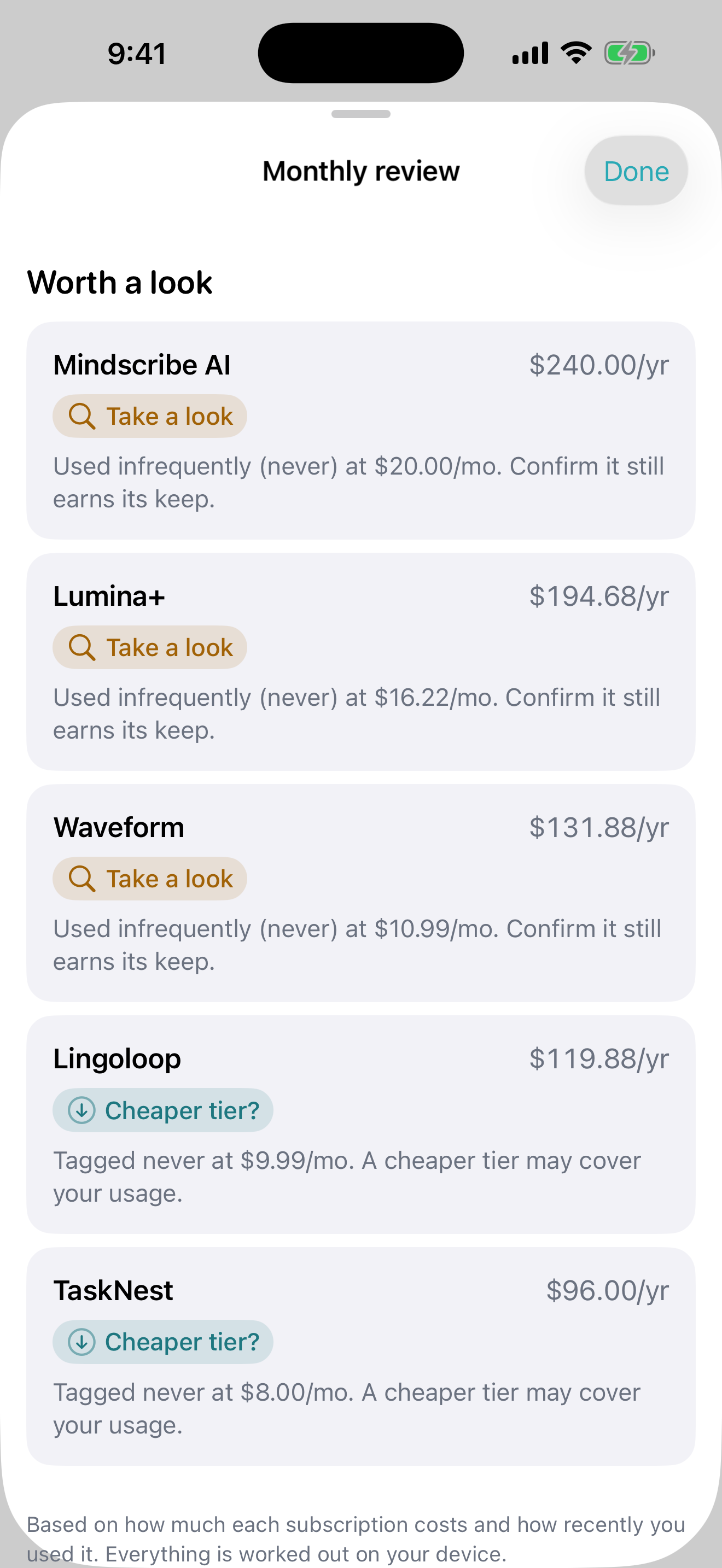
Once a month, Drift quietly points out subscriptions worth a second look — the rarely-used or pricey ones — worked out entirely on your device.
Ready when you are.
Free for up to 10 subscriptions. Pay once for Drift Pro — no subscription, no ads, no tracking.